
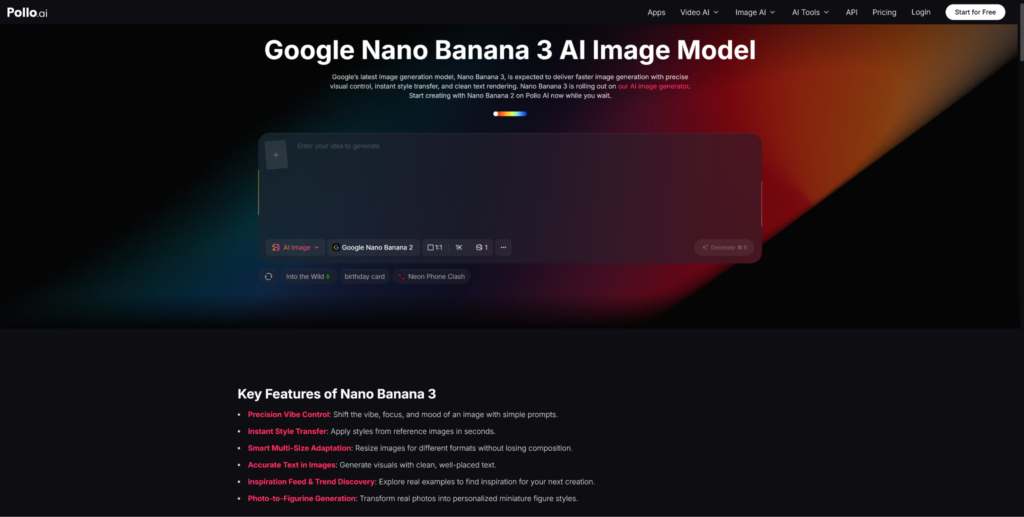
Marketing teams don’t usually get stuck in the editing stage. They get stuck in the asset stage. Before you can cut a short-form video, schedule a social post, or send a campaign email with an engaging visual, you need source material that’s actually good. That bottleneck—the one that lives between “we have an idea” and “we have something to publish”—is where AI image generation starts to earn real workflow value.
Nano Banana 3 is particularly well-suited to this moment in the process. Its strengths in text readability, brand consistency, and high-fidelity output make it useful not just for generating a single striking image, but for building a batch of visual assets that can be repurposed across formats. Pollo AI gives marketing teams an accessible path into these capabilities—without the developer overhead that typically separates “what’s technically possible” from “what our team can actually do today.”
This article walks through the best ways to take Nano Banana 3 image outputs and turn them into functional short marketing videos, from first generation through to distribution-ready assets.
Why Nano Banana 3 Is Useful Before the Video Stage Even Begins
Most marketing video frustrations happen upstream of the editing timeline. Teams spend time searching stock libraries for images that almost fit, commissioning illustrations that take days to produce, or settling for screenshots that look mediocre at full resolution. Each of those compromises shows up in the final video.
Pollo AI’s Nano Banana 3 changes the upstream problem. Because the model can generate high-fidelity images with legible text inside the frame, you can start your video with assets that already have the headline, the callout, or the product claim embedded in the visual—not layered on top as an afterthought. According to Google’s official launch materials, the model is designed for use cases including infographics, diagrams, and marketing collateral, with readable multi-language text as a core feature.
CNET’s review described this capability as an “industry first” among AI image generators. For a video workflow, the practical implication is that your image assets arrive closer to production-ready—which compresses every downstream step.
Best Way #1: Generate Image Assets That Are Easy to Repurpose
The first discipline is generating with distribution in mind, not just generation for its own sake. An image that’s beautiful at full resolution but compositionally wrong for a 9:16 mobile frame isn’t actually useful for video. Generating with intent means thinking about how the asset will be used before you prompt for it.
Use Readable Headlines, Labels, and Product Callouts
Nano Banana 3’s text rendering capability is most valuable when it’s used deliberately. A product image with a headline that’s already legible in the asset eliminates the design step of adding a text layer in post. A comparison visual where the label text is clear and correctly sized at multiple resolutions can go straight into a video template without a round of design work.
When prompting, be explicit: specify the text content you want, its approximate size relative to the frame, and where it should appear. This level of specificity is what separates a generically attractive image from a production-usable one.
Keep Composition Simple for Later Animation
Images that will eventually be animated—panned, zoomed, or used as a background behind motion text—should have breathing room. If the entire frame is dense with visual information, animation becomes harder and the result often looks cluttered. Prompt for compositions with clear focal points and intentional negative space. This makes the asset more flexible when it enters a video workflow.
Best Way #2: Use Pollo AI for a Smoother Asset Creation Workflow
Getting from concept to a usable image batch is faster when the tool experience doesn’t fight you. That matters more than it might seem: every friction point in the generation phase creates pressure to settle for the first result rather than testing until you find the right one.
Faster Testing for Different Campaign Angles
A campaign that needs to speak to three different audiences—or test two visual approaches before committing budget—benefits from being able to generate and compare those options in a single session. Pollo AI’s interface is built for that kind of iterative experimentation, giving marketers and content leads a way to cycle through visual directions without needing to involve a designer for each iteration.
Better Consistency Across Visual Batches
Campaign videos that use multiple images—a series of social stories, a slideshow-style ad, a multi-segment explainer—need those images to feel like they belong to the same visual family. Nano Banana 3’s style control, combined with Pollo AI’s accessible interface, makes it more practical to maintain visual consistency across a batch of ten or twenty assets than it would be if you were sourcing from multiple stock libraries and patching them together.
Best Way #3: Convert Static Assets Into Short Social Videos When Distribution Matters
A strong image batch is the foundation. The next step is movement—not because motion is always better, but because many of the platforms where marketing videos perform best reward video content with greater reach and engagement than static posts.
Where Lumen5-Style Blog-to-Video Workflows Fit
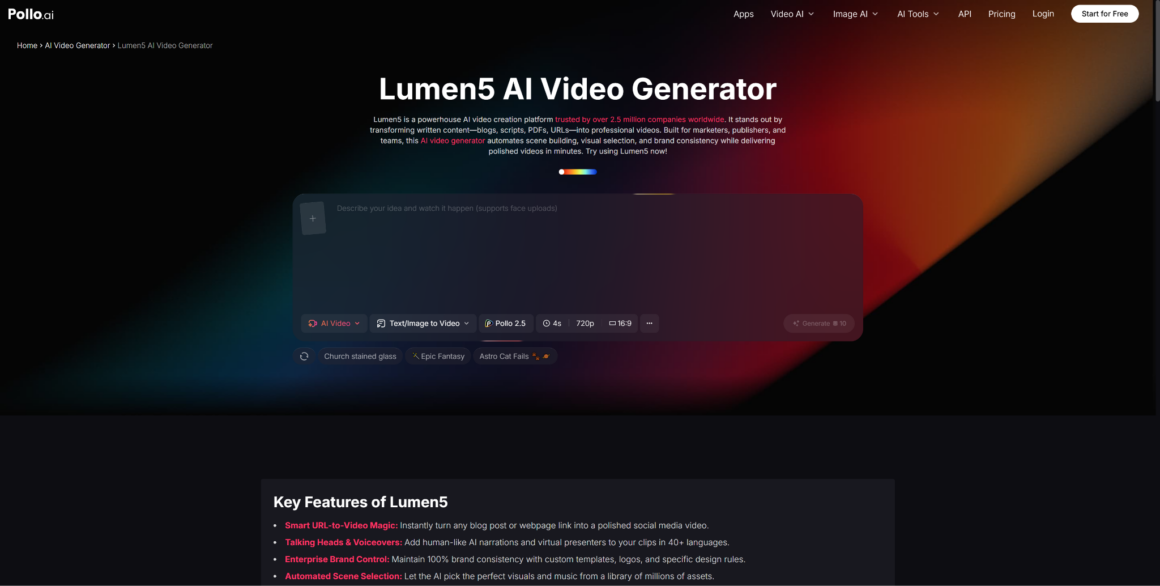
For marketing teams that regularly repurpose written content—blog posts, articles, email sequences—into short social videos, Lumen5 offer a practical conversion path. The model: identify the key points from an article, pair them with relevant visuals, and output a short video sequence optimized for the social platform. When the visuals you’re bringing into that workflow are high-quality, brand-aligned Nano Banana 3 images, the output quality of the finished video improves substantially compared to using stock photos or generic library images.
This is one of the cleaner content repurposing loops available to marketing teams: write or adapt a piece of content → generate matching visual assets in Pollo AI using Nano Banana 3 → convert into a short video using a blog-to-video workflow → publish across platforms. Each step adds distribution value without requiring a new creative brief from scratch.
Blog-to-Video and Article-to-Video Repurposing
The same logic applies to other written assets. A case study, a product announcement, a how-to guide, or a thought leadership piece can all be converted into short video sequences if the visual assets are already production-ready. The investment in generating strong source images pays off every time that content gets repurposed—which, for a well-run content team, should be multiple times per piece.
Best Way #4: Focus on User Experience, Not Tool Stacking
There’s a version of this workflow that goes wrong quickly: adding more tools than the team can actually sustain. A process that requires five different platforms, multiple exports and re-imports, and three separate subscription logins will either get abandoned or will only ever be used by one person who’s willing to manage the complexity.
The most sustainable content workflow is the one a team will actually keep using—not the one that’s technically most powerful on paper. Pollo AI’s value in this context is specifically about reducing the number of context switches required. Getting from “we need a visual” to “we have a batch of production-ready images” in one place, without routing through multiple tools, is what keeps the workflow usable for the whole team, not just the technical lead.
The goal isn’t to build the most sophisticated video production stack. It’s to build the shortest path from a campaign brief to a set of publishable assets—and to make that path repeatable.
Conclusion
The best short marketing videos usually win at the asset stage, not the editing stage. Teams that show up to the editing timeline with strong, brand-consistent, text-readable images—already sized and composed for their target platform—produce better videos faster than teams that start editing and then realize the source material isn’t working.
Nano Banana 3 addresses that upstream problem directly. Its text rendering, style control, and output fidelity make it one of the more useful image generation tools available for marketing teams who need assets that are genuinely production-ready, not just visually impressive.
Pollo AI makes that capability accessible without the developer friction that would otherwise keep it out of a typical content team’s workflow. Combined with a lean video repurposing approach for distribution, this is a workflow that’s practical enough to run consistently—not just impressive enough to demo once.
More Stories
How the CloudySocial Team Organizes Tech Help Content
CsTechHelp CloudySocial Recap: Highlights, Lessons, And What’s Next (2026)
CloudySocial CSHardware Promo Code: How To Save On Gaming Gear In 2026